The Complete Guide to the Perfect LinkedIn Profile Photo
Why Your LinkedIn Photo Matters More Than You Think
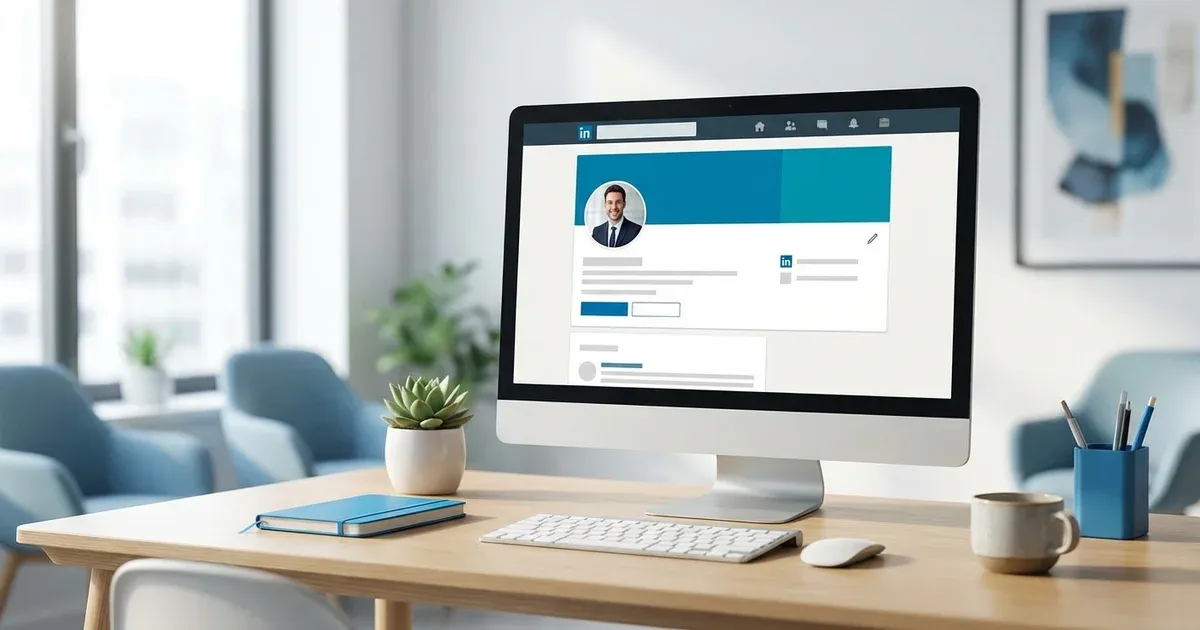
LinkedIn profiles with a professional photo receive up to 21x more profile views and 36x more messages than those without one. Your profile photo is often the first thing a recruiter, potential client, or business partner sees — and research shows that people form impressions within 100 milliseconds of seeing a face.
In Israel's competitive job market, a professional LinkedIn photo isn't optional — it's expected. Whether you're a lawyer in Tel Aviv, a tech executive in Herzliya, or a consultant in Jerusalem, your photo signals your professionalism before a single word of your profile is read.
Despite its importance, many professionals still use casual selfies, cropped group photos, or outdated images from years ago. These instantly undermine your credibility. The good news is that getting a perfect LinkedIn photo has never been easier or more affordable.
What Makes a Great LinkedIn Photo
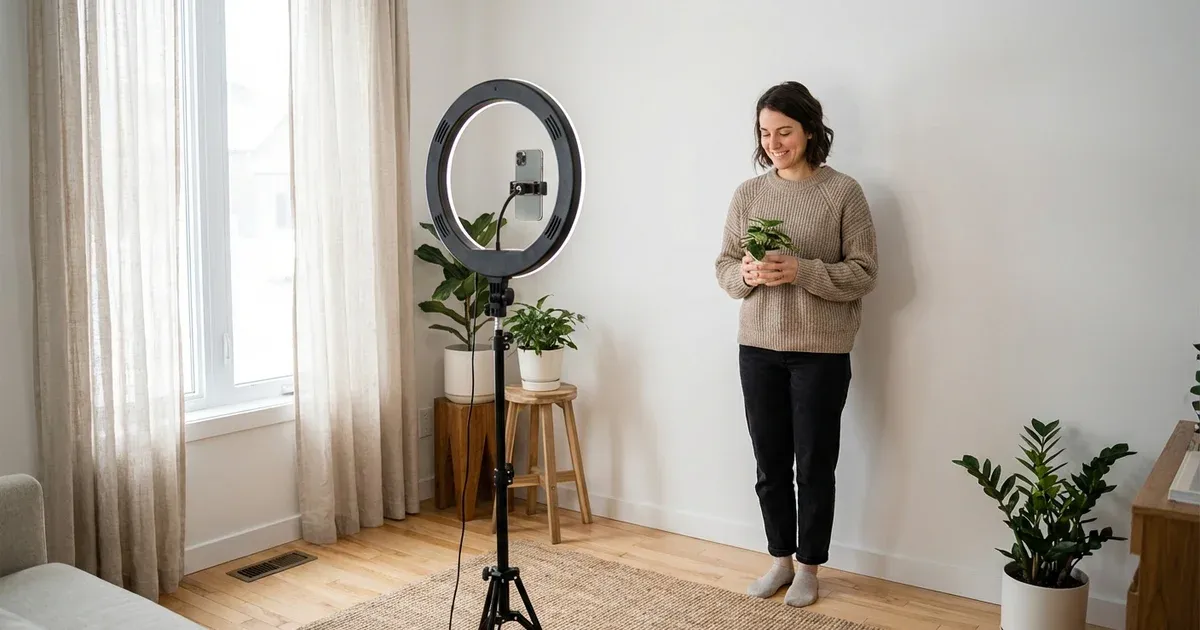
The ideal LinkedIn photo follows clear guidelines. Your face should fill 60-70% of the frame — close enough to be recognizable in a small thumbnail, but not so close that it feels uncomfortable. Use a clean, neutral background (solid colors like gray, blue, or soft white work best). Natural or studio lighting should illuminate your face evenly without harsh shadows.
Expression matters enormously. A genuine, approachable smile works best for most professions. Make direct eye contact with the camera — this creates a sense of connection even in a digital photo. Dress as you would for a meeting with an important client. For most professionals in Israel, this means business casual or business formal depending on your industry.
LinkedIn recommends photos of at least 400×400 pixels, but 800×800 or larger is ideal for crisp display across devices. The image should be recent (within the last 1-2 years) and should actually look like you. Avoid heavy filters, excessive retouching, or photos where you're unrecognizable.
Common LinkedIn Photo Mistakes to Avoid
The most common mistake is using a cropped group photo. These always look awkward, with other people's shoulders or arms visible at the edges. Vacation photos, party photos, and wedding photos are equally problematic — they signal that you don't take your professional image seriously.
Another frequent mistake is poor lighting. Photos taken in dimly lit rooms, with overhead fluorescent lighting, or with a bright window behind you all produce unflattering results. Your face should be well-lit and clearly visible. Avoid selfie-style photos where the camera angle is obviously from arm's length.
Finally, don't use a photo that doesn't represent your current appearance. If you've significantly changed your hairstyle, facial hair, or general appearance since the photo was taken, it's time for an update. First impressions should be accurate — you want someone to recognize you when you meet in person.
How to Get a Perfect LinkedIn Photo in Minutes
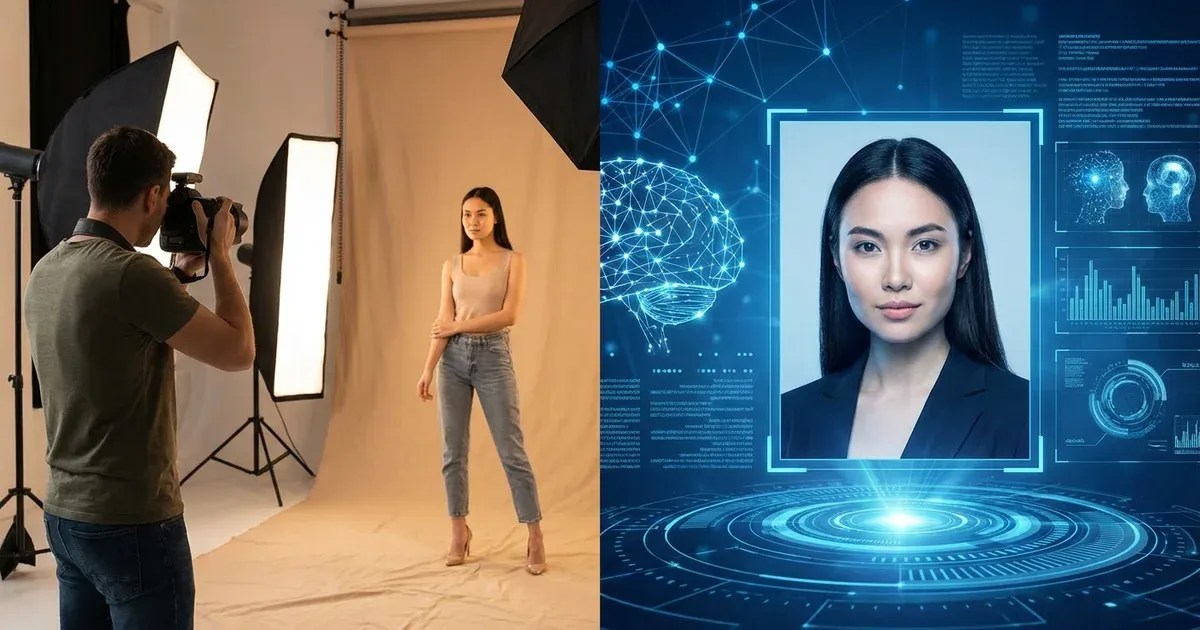
The fastest way to get a professional LinkedIn photo is with an AI headshot generator like Picniq. The process is simple: upload 5-10 clear selfies taken in good lighting, select the professional styles you prefer, and receive dozens of polished headshots within hours. You'll get options with different backgrounds, lighting styles, and attire — giving you plenty of choices for the perfect LinkedIn photo.
With AI, you can easily create headshots that follow all LinkedIn best practices: proper framing, clean backgrounds, professional attire, and ideal lighting. You can generate multiple options and pick the one that best represents your personal brand. All at a fraction of the cost of a traditional photo shoot.
Once you have your new headshot, resize it to at least 800×800 pixels for optimal display. Upload it to LinkedIn and watch the difference it makes in your profile views and connection requests. Many Picniq users report a noticeable increase in recruiter outreach within weeks of updating their photo.
Want Professional AI Headshots?
Get Started